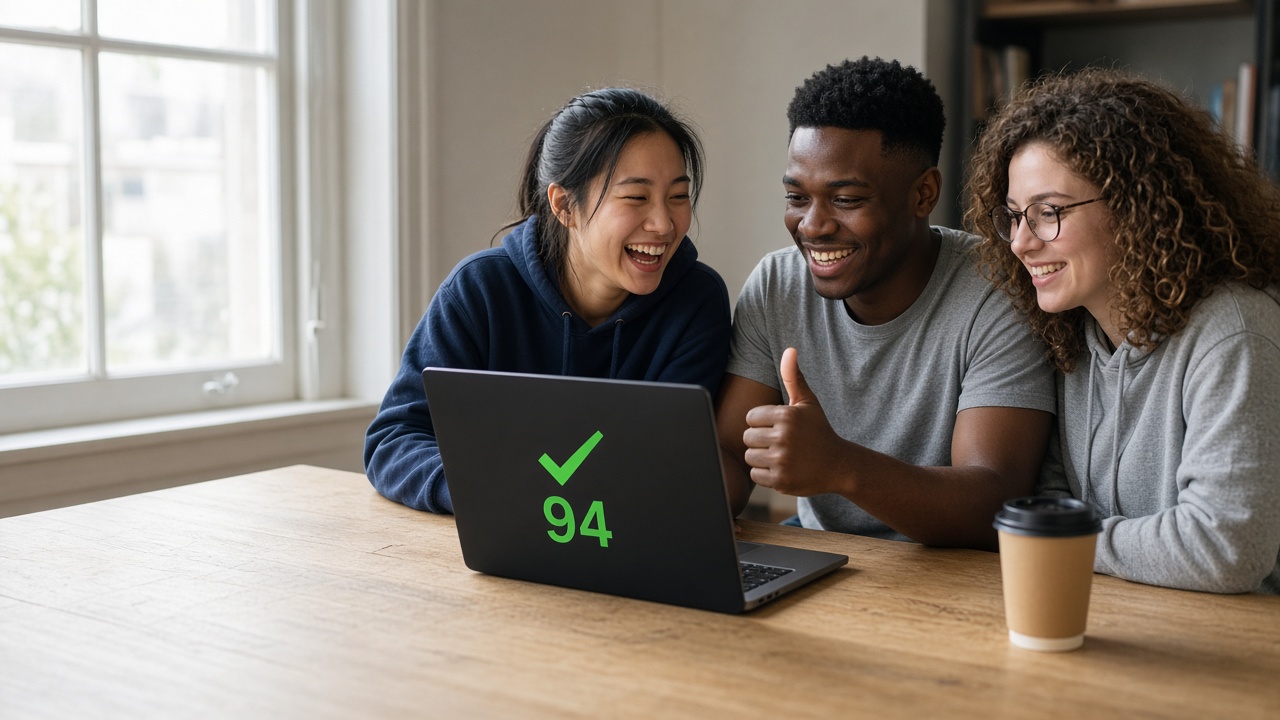
FREE ORIGINAL PRACTICE
Practice now. Walk in ready.
Practice for your next exam or interview
Exams, interviews, and flashcards. Free on your phone or computer.
Practice exams
42 exams · 47,493 questions
School
State tests, a school ability test, high school equivalency, and college chemistry.
18 exams · 27,405 questions
Admissions
Practice for tests students take when they apply to a school or program.
10 exams · 12,636 questions
Healthcare
Nurse aide and registered nurse licensing examinations.
2 exams · 756 questions
Insurance
Producer licensing, adjuster licensing, product training, and designation programs.
5 exams · 2,160 questions
Finance
Financial planning and investment analysis examinations.
2 exams · 1,944 questions
Securities
Securities licensing examinations.
1 exam · 432 questions
Mortgage
Mortgage loan originator licensing examinations.
1 exam · 540 questions
Food safety
Food protection examinations for people who manage a food establishment.
1 exam · 756 questions
Cosmetology
Scientific concepts, hair care, skin care, and nail care.
1 exam · 432 questions
Civil Service
Written practice for government employment tests.
1 exam · 432 questions
More ways to practice
PRACTICE INTERVIEWS
Get ready for the job interview
Questions by role, from concepts to coding. Write code in the browser.
46 practice interviews · 4,915 questions
Browse practice interviewsFLASHCARDS
Learn the key terms
Mark what you know, star the hard ones, and review just those.
39 decks · 2,878 cards
Browse flashcards
How it works

STEP 1
Choose what to practice
A named exam, an interview for your role, or a flashcard deck.
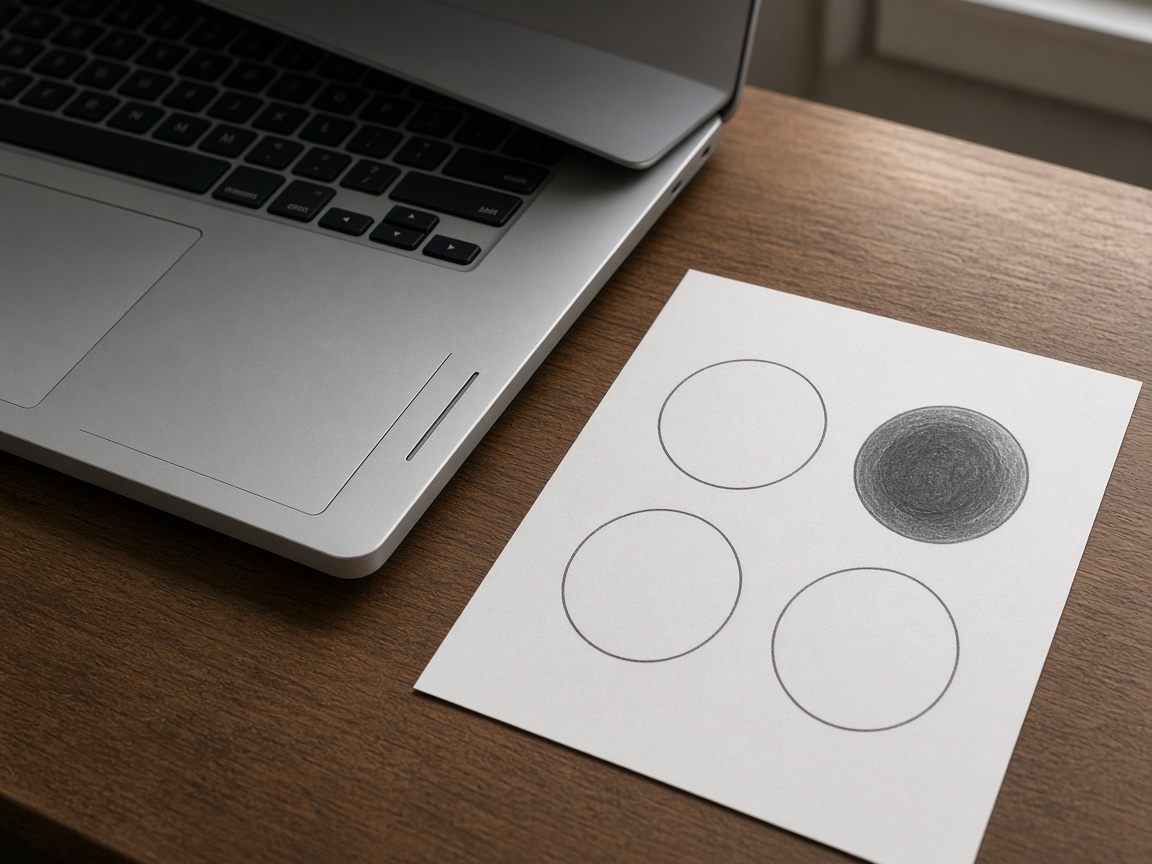
STEP 2
Answer on any device
One question at a time, on your phone or computer.
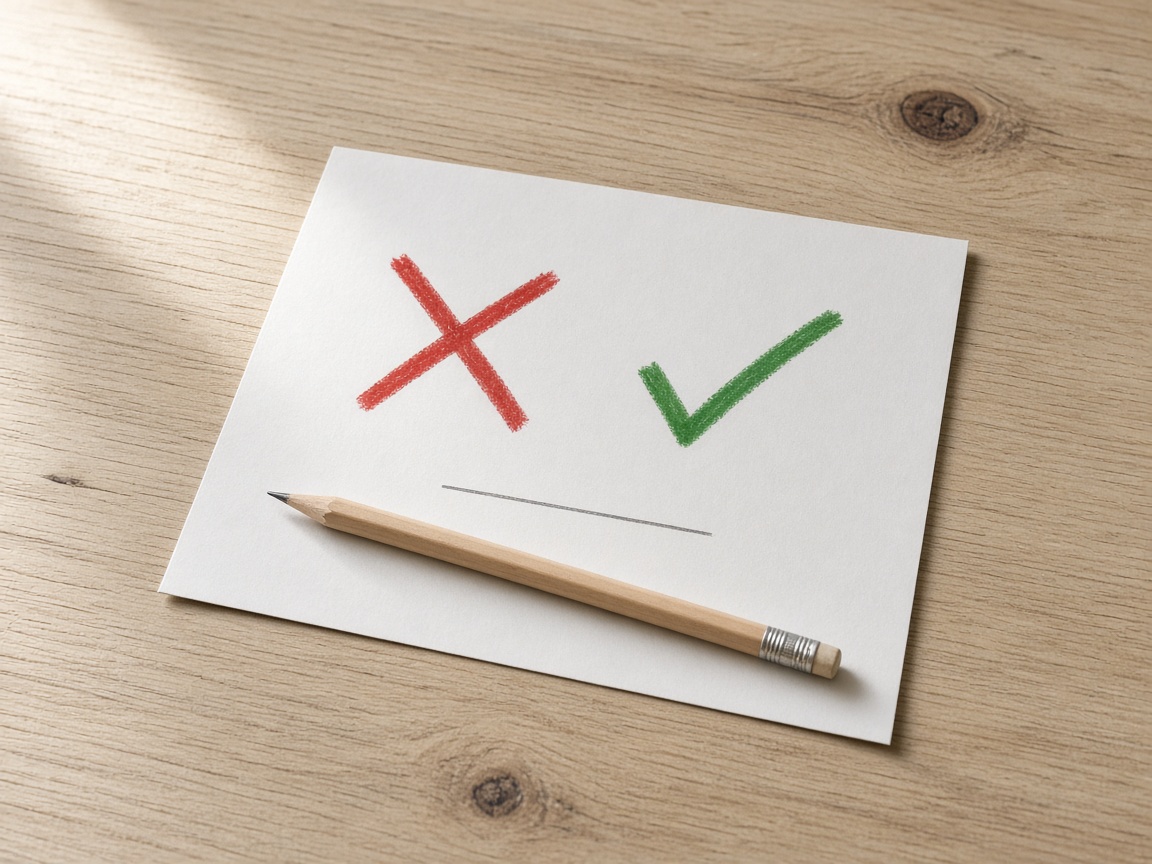
STEP 3
See what you missed
See the right answer and why, then retry the ones you missed.
PHONE AND COMPUTER
Practice anywhere. Pick up where you left off.
Flip cards on the bus, finish an exam at home. Sign in and your exams, interviews, and flashcards sync between phone and computer.
Nothing to download. Add FreeExam to your home screen to open it like an app.
FAQ
Is FreeExam free?
Yes. You can start without an account.
Do I need to sign in?
Only to save your progress. Without an account, nothing is saved.
Does it work on my phone?
Yes, in any phone browser. Sign in with the same account on your phone and computer, and your answers, bookmarks, and flashcards stay in sync.
What happens when I miss a question?
You see the right answer and why. Then you can practice just the ones you missed.
How do I find an exam or interview?
Search at the top, or open Practice tests or Practice interviews.
How do flashcards work?
Flip a card, then mark it Knew it or Still learning. Star the hard ones and review just those. Open flashcards.